Receive it.
Scan the code or tap the NFC spot to see the story so far.
'%20fill='%23F4B18A'/%3e%3c/svg%3e) Givable WorldHow it works
Givable WorldHow it worksStaging — test data only
Givable World gives physical gifts a digital journey. Scan a QR code or tap an NFC tag, add a small mark if you like, and pass the object on when you’re ready.
Development preview. Public editions are not open yet.
Scan the code or tap the NFC spot to see the story so far.
Choose a mark or a preset message, or leave a blank chapter. A country is optional.
Give the object to someone else when you’re ready. Return later to see what followed.
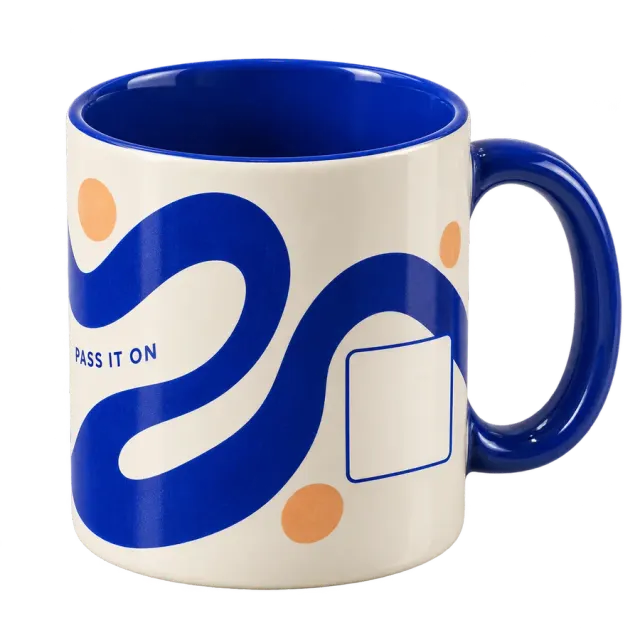
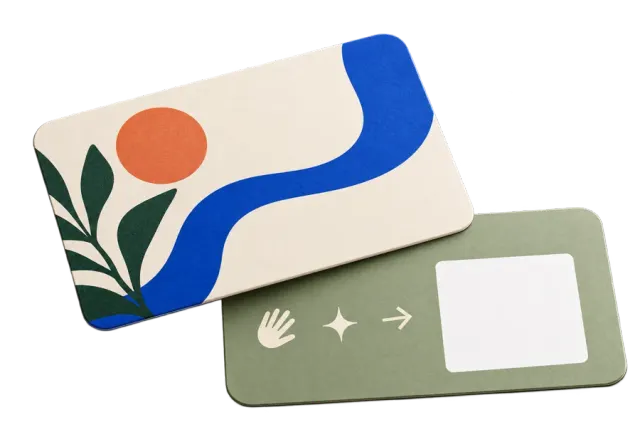
A card from a shop. A keepsake from a museum. A mug on its way to a new kitchen. You choose and source the objects.
A little message around the outside. A code to follow the story. A familiar gift to pass on over a cup of something good.

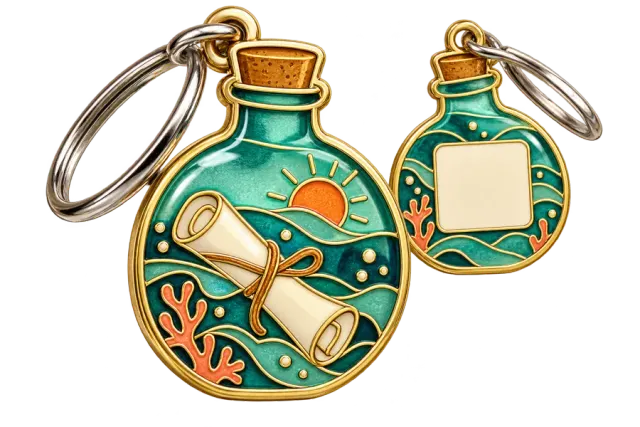
Concept artwork · blank areas reserve space for unique codes.
Choose how people open the journey. The right fit depends on the object and the moment.
For publishers
Start with an object people will want to keep for a while, then give to someone else. An edition brings its artwork, introduction and story together.
The original publisher stays in the journey. A separate “Publisher message” can change or disappear without rewriting that beginning.
Read the participant guideChoose the object, artwork and introduction. You source and distribute the physical objects.
Generate a different code for every object. Download QR print files or use each item link for NFC.
Check each code against its object before activating the batch. People decide when to pass it on.
You choose and source them. The objects shown here are design concepts, not products for sale.
The journey opens in a browser. Participants do not need an account to add a chapter.
Yes. An NFC tag can open the same item journey as its QR code. Give each object its own link, mark where to tap and test the finished object with compatible phones. NFC is an optional physical tag, not included in every concept.
No. A mark, a preset message and a country are optional. Keeping the object for a while is fine too.
Each object needs its own code so it can have its own journey. The publisher generates distinct codes, downloads the print files and checks each code against its object before activation.
After adding a chapter, use “Save your place” to create a private return link. Keep it safe: anyone with it can act as you. Share the public journey link instead. Without a saved private link or a browser that remembers you, access to your controls may be lost.